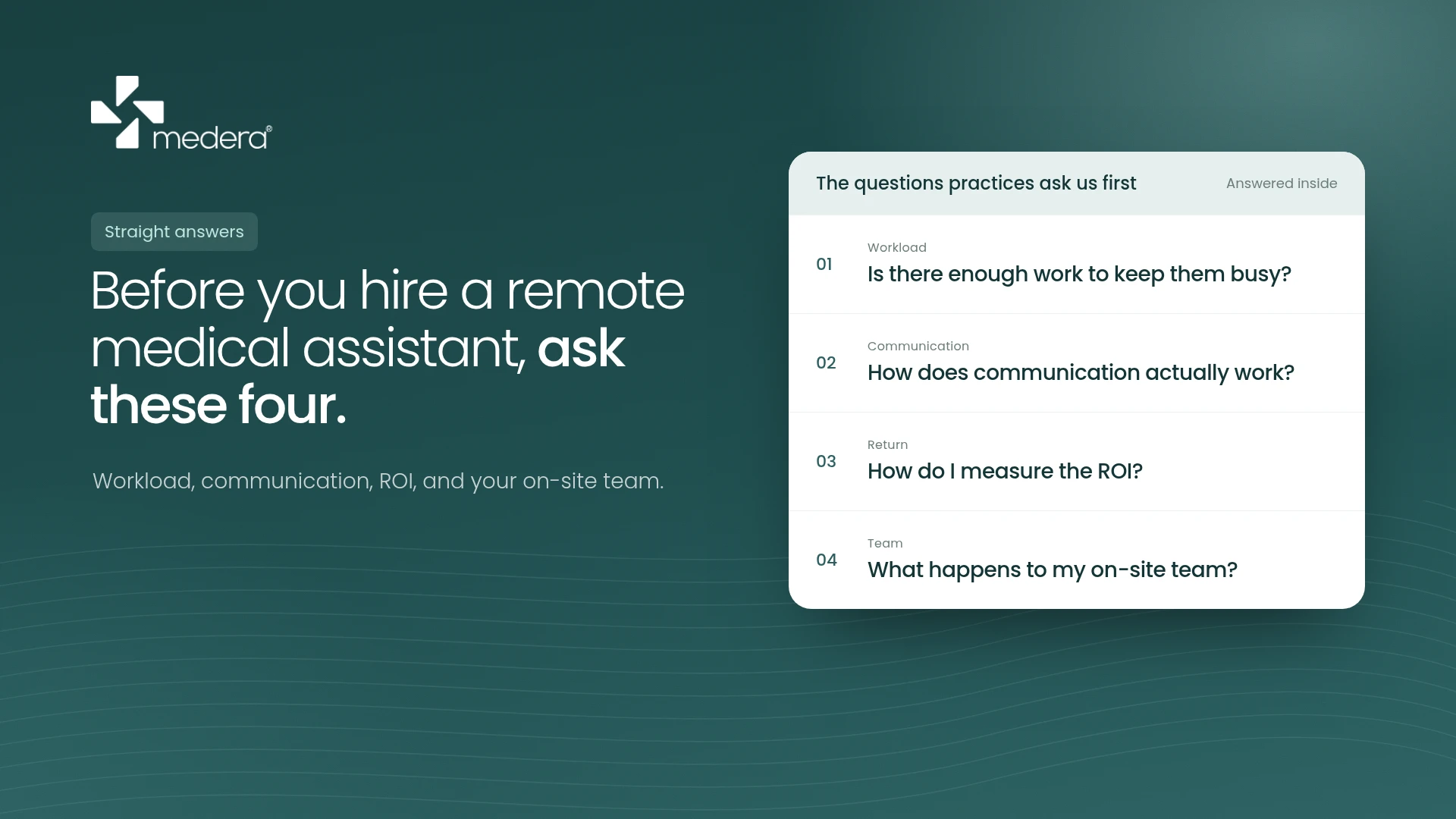
When I talk to practice managers about remote front-office support, the first questions are rarely about price. They're practical: Who answers the phone? How do they get into our system? What happens when a patient says something clinical? Who do I call when something goes wrong?
Those are the right questions. A remote front desk only works if the operations behind it are clear. Here's how it's set up, from the first onboarding call to the end-of-day report.
It starts before the first call
The biggest mistake in remote support is going live too fast. Before a remote assistant takes a single call, the practice and the support team should sit down and document how the clinic actually works: appointment types and durations, which providers see new patients, the cancellation policy, which payers need faxes instead of portal submissions, and how refill requests should be routed.
At Medera, we do this with an onboarding guide that's filled in together with the practice manager, section by section. It covers the call greeting, how patients are verified, where each type of message goes, and what counts as urgent. It becomes the working reference for every call, and it's reviewed whenever a workflow changes.
This step feels slow, but it's what prevents the most common failure in outsourced support: a capable person guessing at rules nobody wrote down.
Access is set up carefully, and only as much as needed
A remote assistant works inside the practice's own systems: the EHR, the phone line, and payer portals. The practice creates the logins, so it controls them and can remove them at any time.
Access should follow HIPAA's "minimum necessary" principle: enough to do the assigned work and nothing more. A signed Business Associate Agreement is in place before anyone touches patient information, and everyone handling calls has completed HIPAA training. Patient information stays inside the practice's secure systems, never in personal email, messaging apps, or notes on the side.
What the day looks like
The day follows the clinic's hours, not the support team's. When the phones open, the remote assistant is already logged in.
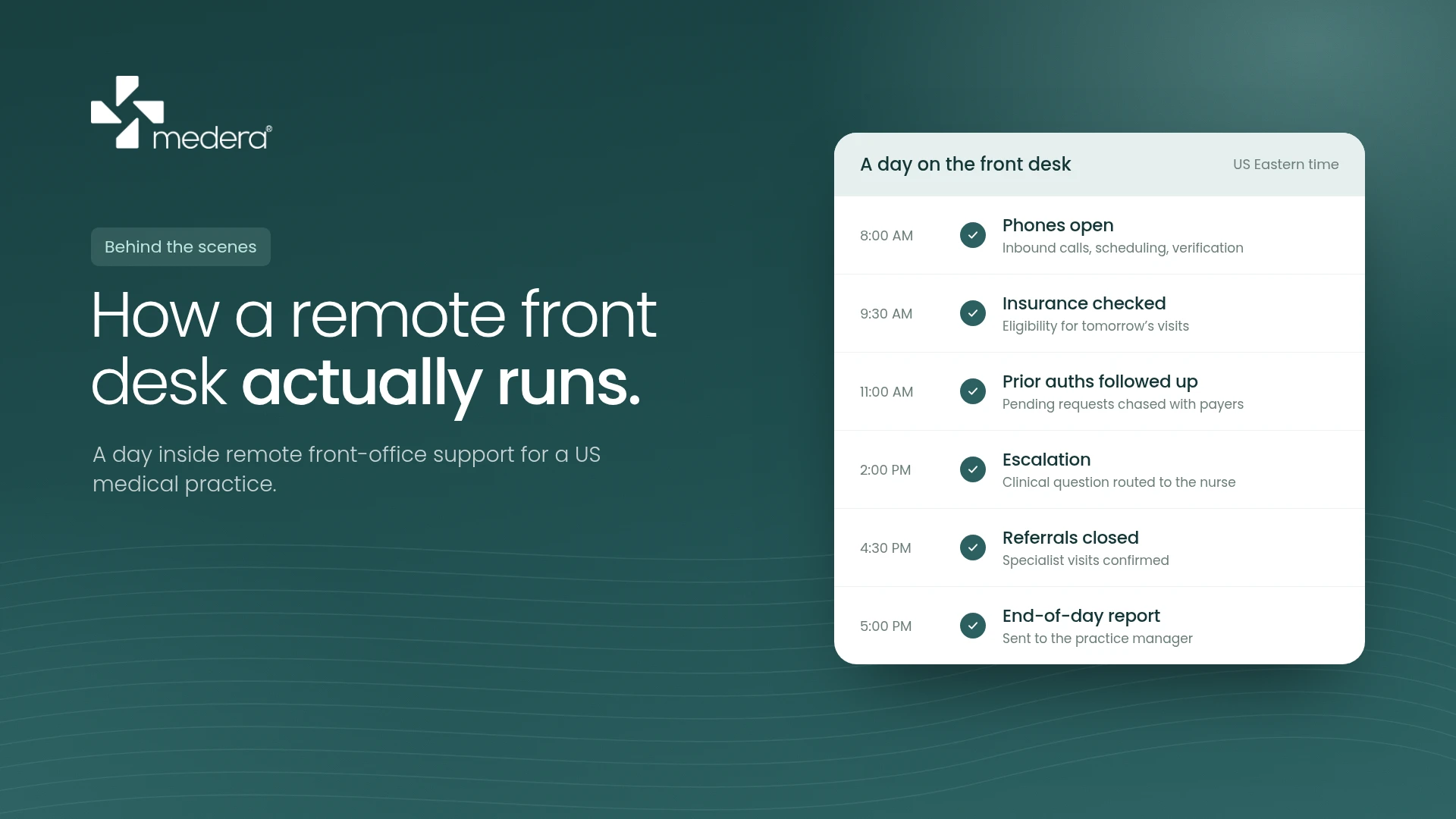
The core of the day is inbound calls: scheduling and rescheduling, answering patient questions within the practice's guidelines, and routing everything else to the right person. Around the calls, the assistant works through the queues that tend to pile up at a busy front desk: checking insurance eligibility for upcoming visits, following up on pending prior authorizations, processing refill requests, sorting faxes, and closing the loop on referrals.
Outbound work fits into the quieter hours: reminder calls, rescheduling no-shows, and recall outreach for patients overdue for annual wellness visits or screenings. From my own experience, the key to outbound work is a fixed daily target. Calls that happen "when there's time" rarely happen.
Clinical judgment stays in the clinic
This is the most important boundary, and it should be written down before day one. Remote front-office staff do not give medical advice, assess symptoms, or make clinical decisions.
When a patient raises something clinical, the assistant follows the practice's escalation protocol exactly: who gets the message, how it's sent, and how fast. Urgent concerns go to the on-call provider or triage line immediately, and emergencies get 911 guidance. The assistant's job is to capture the information accurately and get it to the right licensed person without delay.
Communication is part of the job
A remote team is only as good as the practice's visibility into its work. Every engagement should have a primary contact on each side, a secure channel for day-to-day questions, and a regular reporting rhythm.
At the end of the day, the practice manager should be able to see what was done: calls handled, appointments booked, authorizations submitted and pending, referrals closed, and anything that needs their attention the next morning. Over time, those reports show patterns, such as which payers delay authorizations or which days generate the most calls, and those patterns are where real improvements come from.
Start small
The practices that get the most out of remote support rarely hand over everything at once. They start with one workflow, usually the one causing the most pain, such as prior authorizations, reminder calls, or overflow phone coverage. They measure it for a few weeks and expand only if it's working.
That approach protects the practice, and it's how trust gets built on both sides.
The questions worth asking any provider
If you're considering remote front-office support, from us or anyone else, these questions will tell you a lot:
- Which EHRs has your team actually worked in?
- Will you sign a BAA before we start, and are your staff HIPAA-trained?
- How do you handle a clinical question on a call?
- What will I see at the end of each day?
- Can we start with one workflow?
Good answers are specific. Vague ones are a warning sign.
I've spent my career on the front lines of US healthcare administration, working directly in EMA (ModMed), eClinicalWorks, and Aprima across primary care, dermatology, physical therapy, and hospital settings. If one workflow is eating your team's week, I'd be glad to talk about it. info@medera.org